
Verify
Time-stamped scans that record the officer’s arrival at each checkpoint

Security Reporting & Accountability
Providing professional security solutionsacross New Jersey for over a decade.
Five-star feedback on review sitesincluding Google and Yelp.
Our ownership and management live here.We protect the communities we call home.
Technology in Action
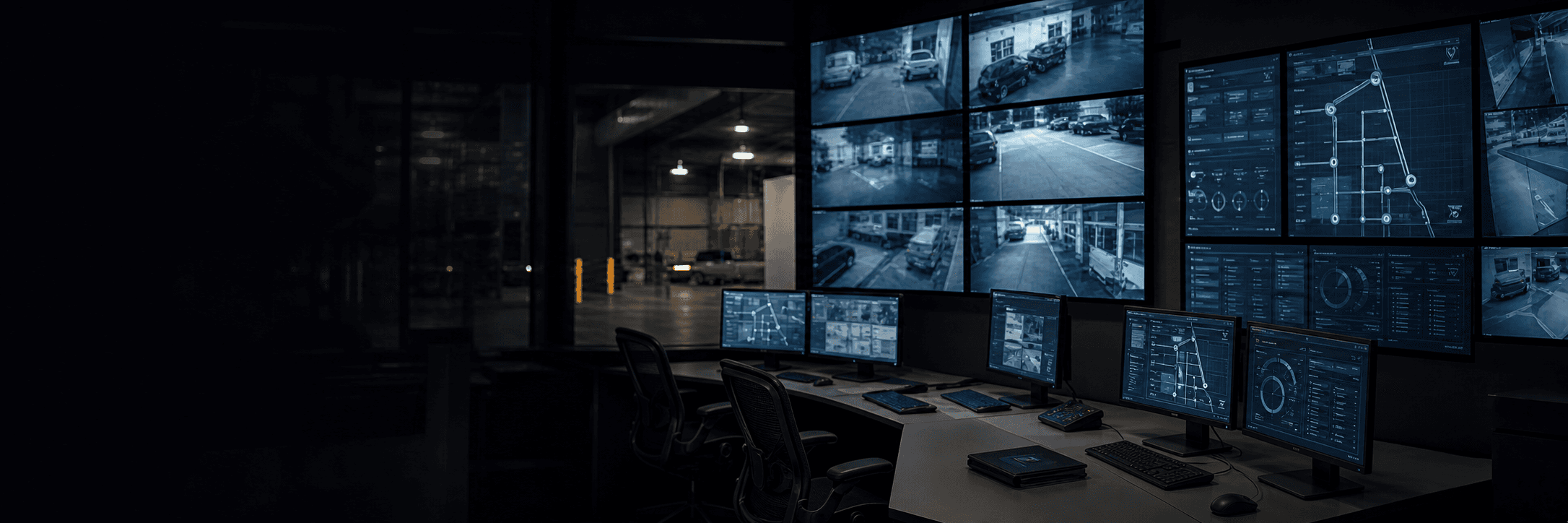
Technology should make an officer’s job clearer and support the work already happening at the property. GuardEX uses straightforward guard-tour and reporting tools to help officers follow the post, document conditions, and leave a reliable record of the shift.
For property managers, that creates clear visibility into daily coverage. Together, checkpoints, timestamps, incident notes, photos, and supervisor review show what happened, when it happened, and how GuardEX responded.
Technology in Action
Time-stamped scans that record the officer’s arrival at each checkpoint
Shift activity, incidents, notes, and photos kept together
Completed tours and report details reviewed by a supervisor
Activity patterns that support ongoing service refinement
Tell us about the property, schedule, known concerns, and reporting needs. We’ll help determine the right coverage plan for the site.
Technology Setup
How It Works on Site
The tools are useful only when they fit the assignment. Setup covers the patrol route, reports, and supervisor review.
Guard Tour Setup
Checkpoint placement starts with a route an officer can walk safely and consistently. At a warehouse, that route might cover trailer rows, dock doors, the fire-pump room, and employee entrances. At an office property, it might cover garage levels, exterior doors, mechanical areas, and lobby rounds.
Each checkpoint gets a clear name and a required frequency. When site conditions change the planned route, the officer records the updated condition so the tour record stays accurate and useful.
Report Design
The Daily Activity Report is the running record of the shift. It covers arrival, patrols, deliveries, door checks, vendor activity, and routine observations. A separate incident report is used when an event needs a fuller timeline, named contacts, photos, actions taken, or management follow-up.
Required fields create consistent, useful entries. Depending on the event, the report may ask for the location, time, condition observed, people or vehicles involved, notifications, actions taken, and known outcome.
Supervisor Review
Completed tour and report data gives supervisors a clear view of the shift. They review timestamps, observations, and supporting details, confirm the record is complete, and keep the reporting aligned with the post orders.
Patterns across completed activity help GuardEX refine tour timing, checkpoint placement, officer guidance, and client follow-up as the property changes.
Setup Process
After the walkthrough, GuardEX sets the checkpoints, report fields, contacts, and delivery rules. The officer then tests the setup before the post goes live.
Confirm safe patrol paths, clearly named locations, access restrictions, and the observations required at each point.
Set patrol frequencies, report fields, incident categories, contact paths, and delivery schedules.
Have the officer scan each point, submit sample entries, and practice one common escalation.
Review completed tours, report quality, and recurring site patterns, then refine the route, instructions, or follow-up.
Frequently Asked Questions
The setup may include QR or NFC tour checkpoints, time-stamped activity entries, Daily Activity Reports, incident reports, photos, and supervisor review of activity records. GuardEX confirms the exact tools and fields while the post is being set up.
Yes, when client reporting is included in the service plan. GuardEX sets which reports are shared, who receives them, how often they are delivered, and which incidents require a separate call or message.
No. A scan confirms that the officer reached a checkpoint and adds a reliable timestamp to the record. The officer adds professional observation, judgment, communication, and the reporting detail that gives the activity useful context.
Yes. Checkpoints can be named for specific locations, patrol frequencies can change by shift, required report fields can be added, and incident-notification rules can be set. The exact options depend on the approved scope and the platform used for the assignment.
More GuardEX Resources
Officer Standards and TrainingSee how GuardEX verifies credentials, matches officers to each post, delivers site training, and reinforces standards after launch.How GuardEX Starts ServiceFollow the path from site walkthrough and post orders to staffing, on-site training, reporting, and launch. Coverage ContinuityLearn how primary officers, trained relief staff, field supervision, and clear communication help keep every scheduled post covered.
 Emergency Response & EscalationSee how GuardEX defines contacts, call paths, officer responsibilities, and post-incident follow-up before an emergency.Planning ModelSee how GuardEX turns real site conditions into clear duties, officer training, reporting standards, and approved service adjustments.